
How the Scam Works
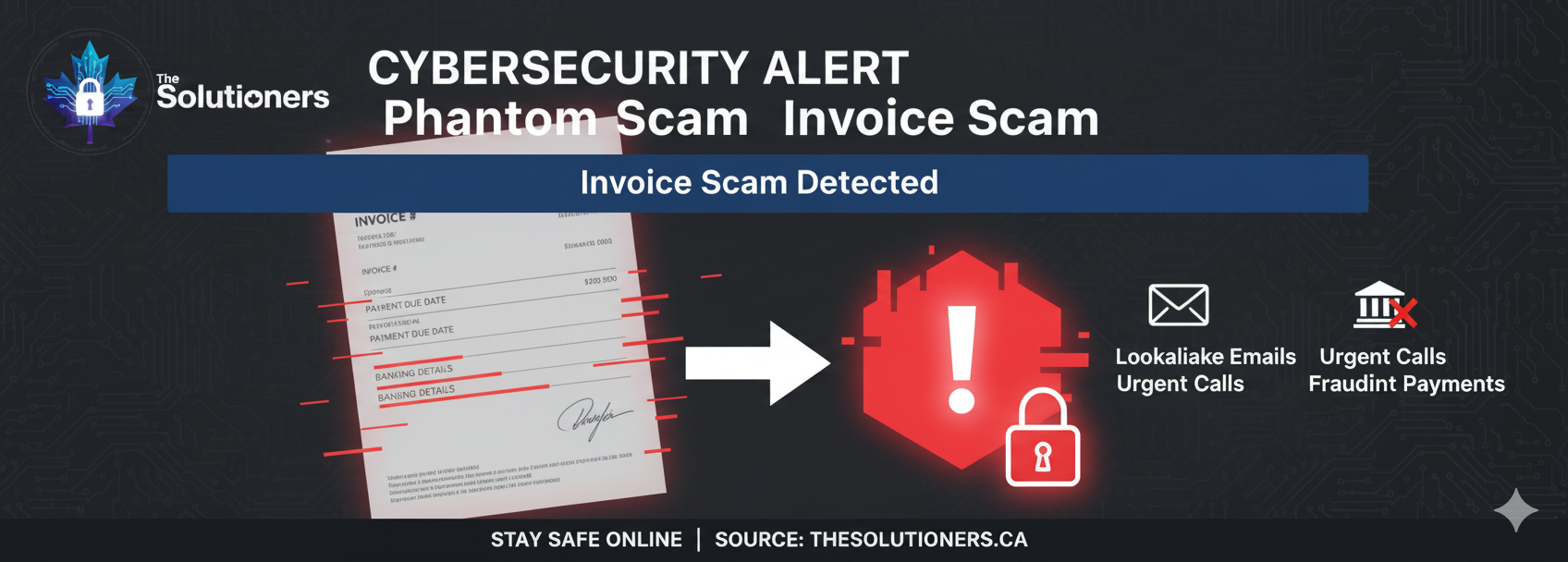
- Attackers compromise a vendor's email account or spoof their domain.
- They send an invoice that looks legitimate, often referencing real projects.
- The email notifies you of a 'new bank account' for payment due to an audit or banking change.
Red Flags
- Unexpected changes to payment details.
- Emails coming from slightly different domains (e.g., vendor-billing.com instead of vendor.com).
- Urgent requests to process payment before a deadline.
Prevention Steps
- Verify any payment change request by calling the vendor on a known, trusted number.
- Implement dual-approval processes for all wire transfers.
- Train AP staff to recognize BEC indicators.
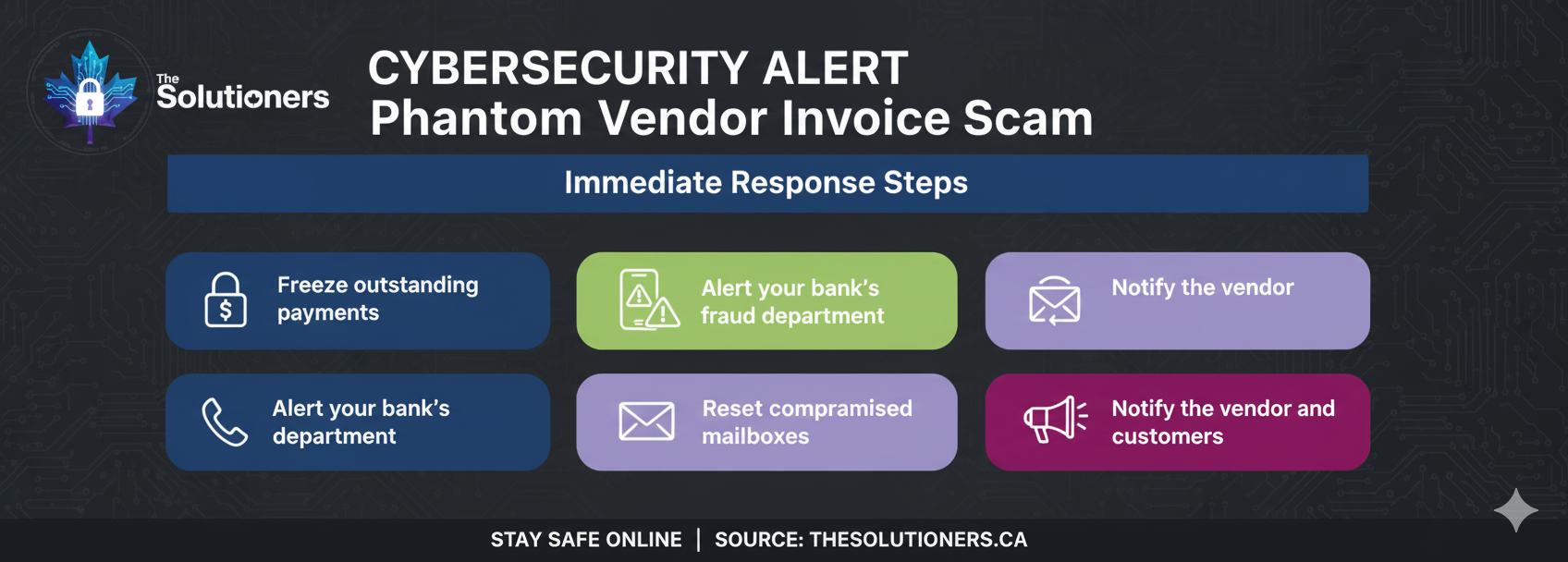
What to do if you paid
Contact your bank immediately to attempt a recall of funds. Report the incident to local law enforcement and the Canadian Anti-Fraud Centre.